
Video guides
Get started with SlipBolt, step by step
Five short clips, each under a minute, from signing up to having the bot check slips in your shop's LINE group. Captions are in the video, so they work with the sound off.
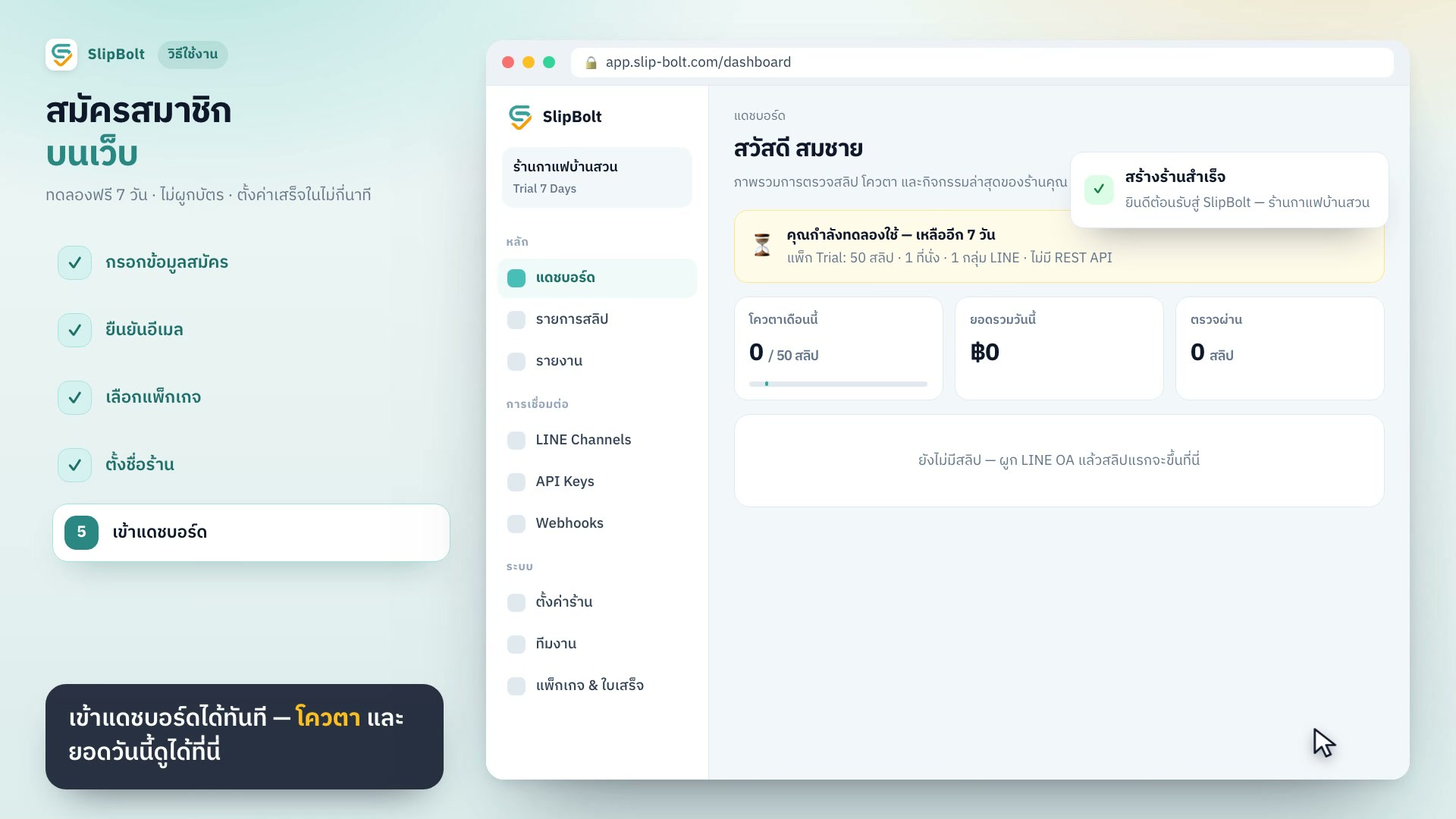 60 secSign up on the webFill in your details, confirm your email by link or OTP, pick the trial plan, name your shop and land on the dashboard.12 steps
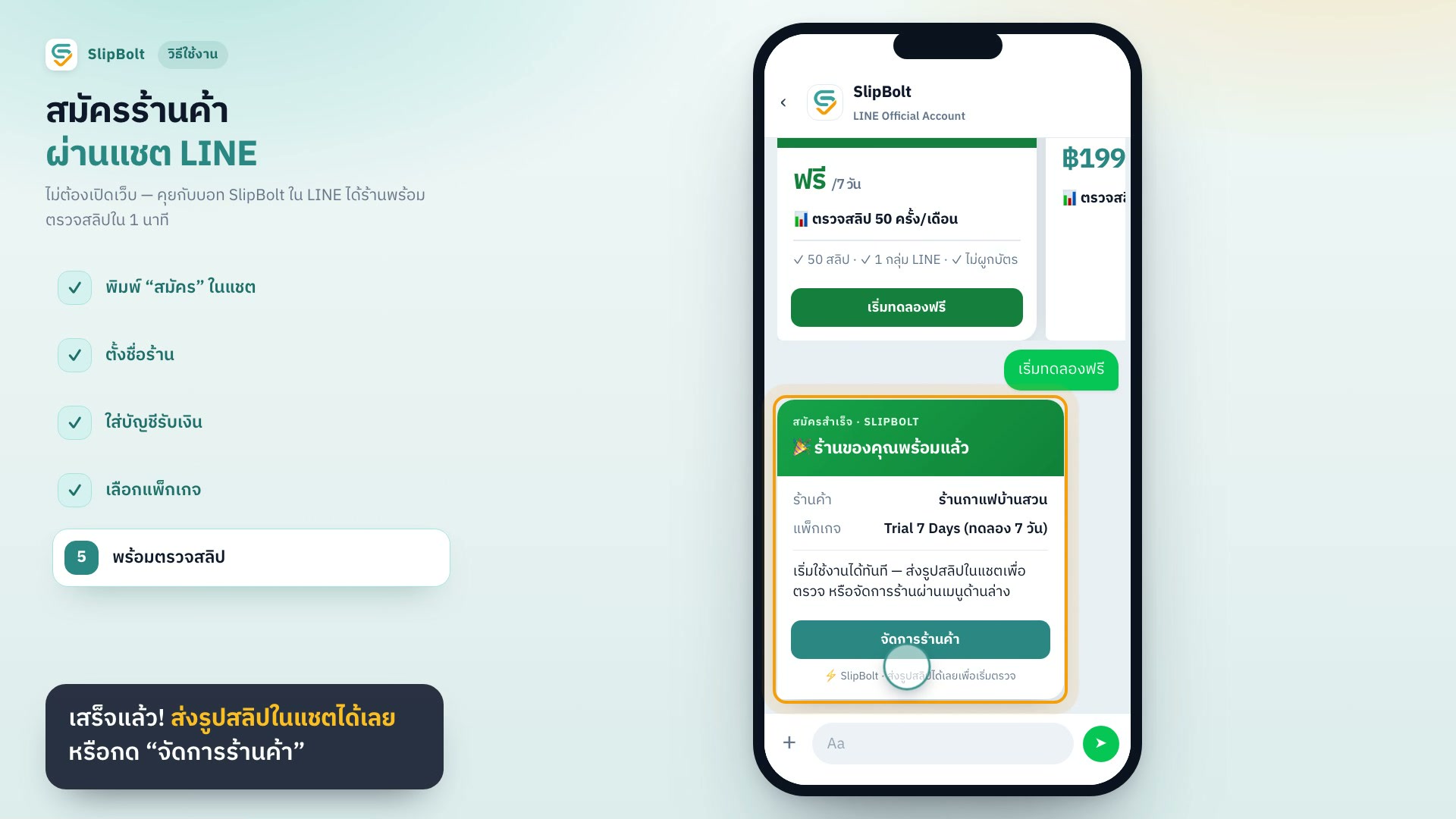 36 secSign up in LINE chatType "สมัคร" in a chat with SlipBolt, name your shop, add your receiving account, pick a plan and start sending slips. No website needed.8 steps
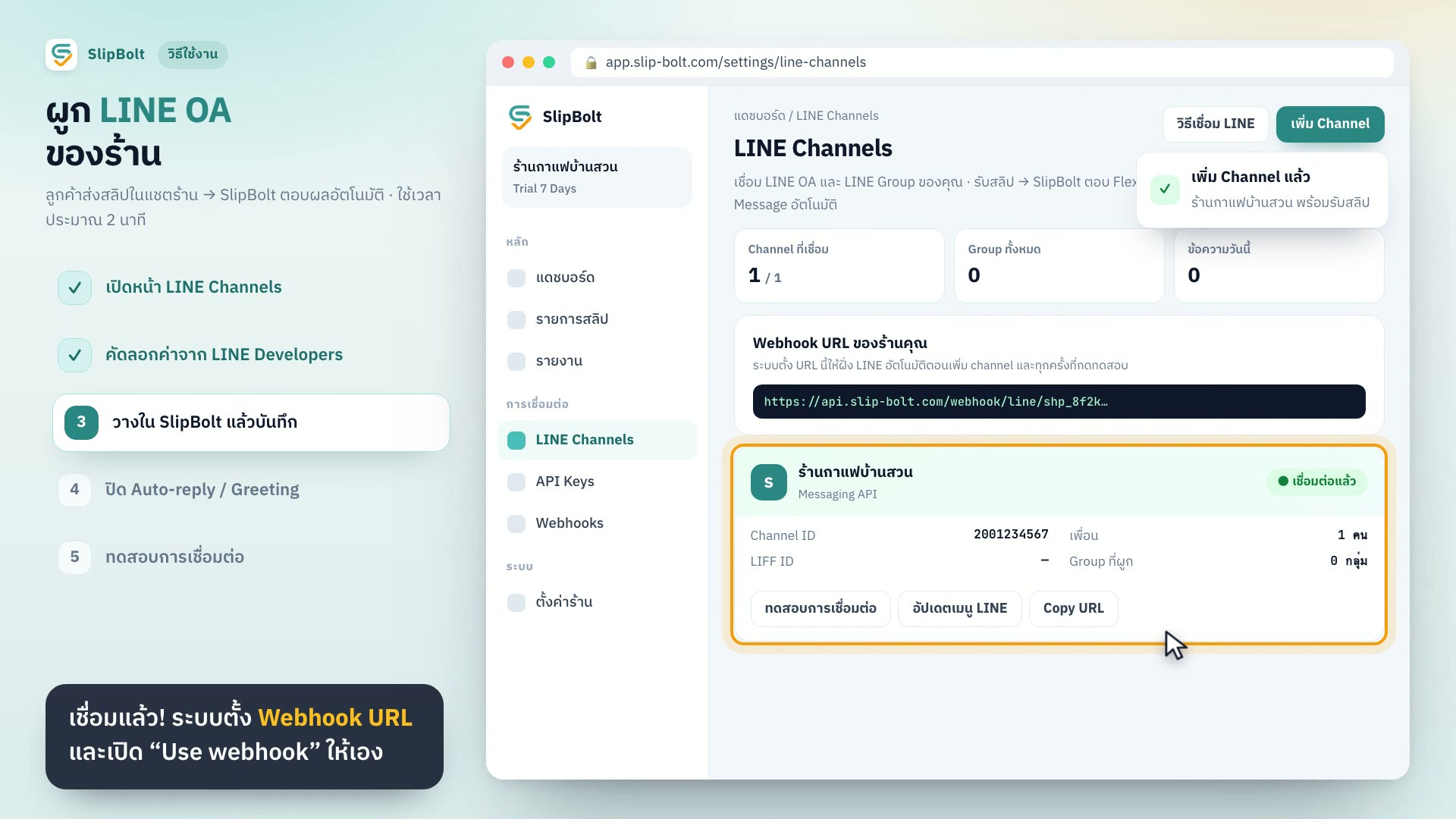 54 secConnect your shop's LINE OACopy the Channel ID, Channel secret and Channel access token from LINE Developers into SlipBolt, then turn off LINE's own auto-replies.12 steps
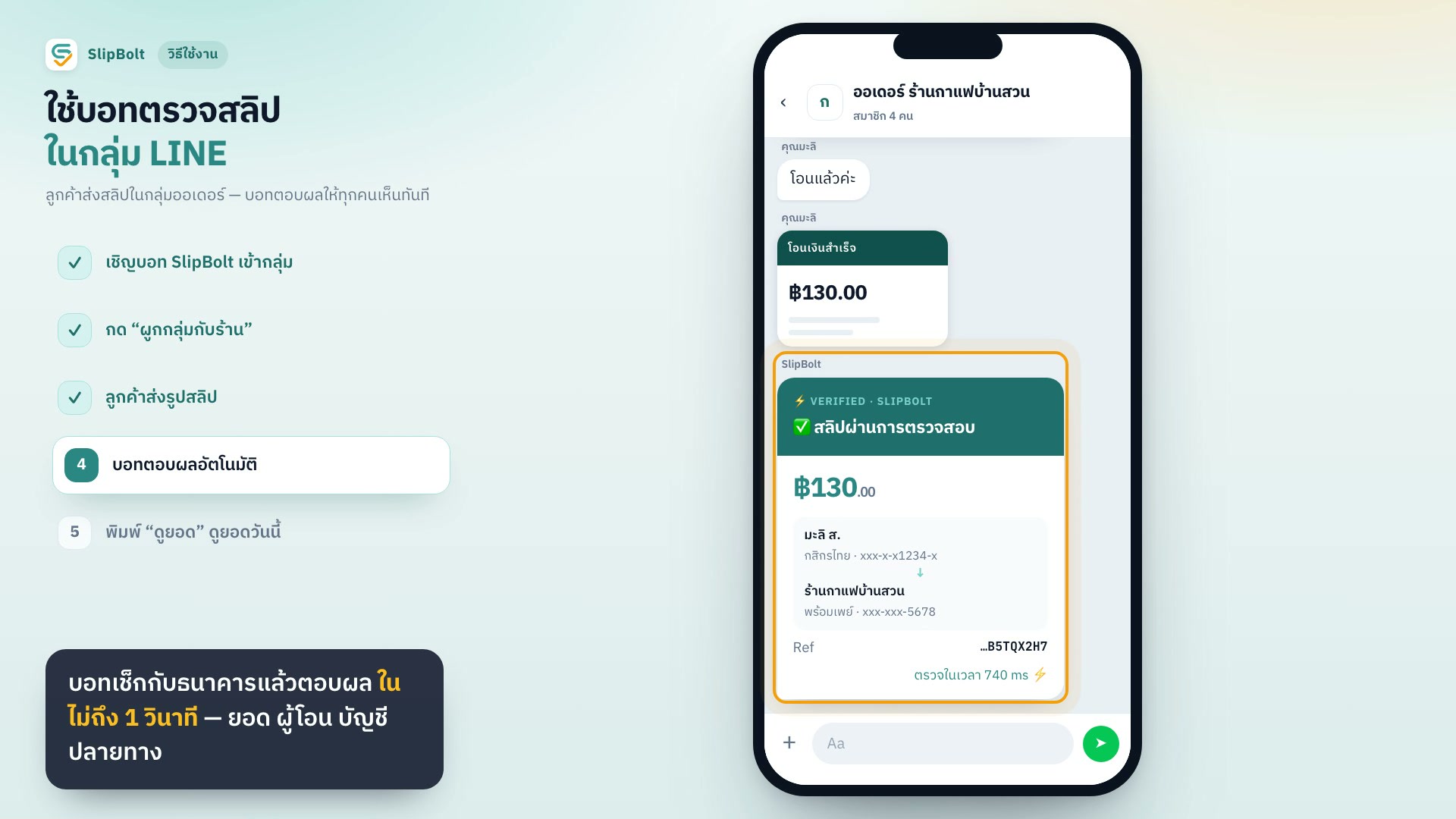 37 secUse the slip-checking bot in a LINE groupInvite SlipBolt to your order group and link the group to your shop once. Customers send slips as usual and the bot replies where everyone can see.9 steps
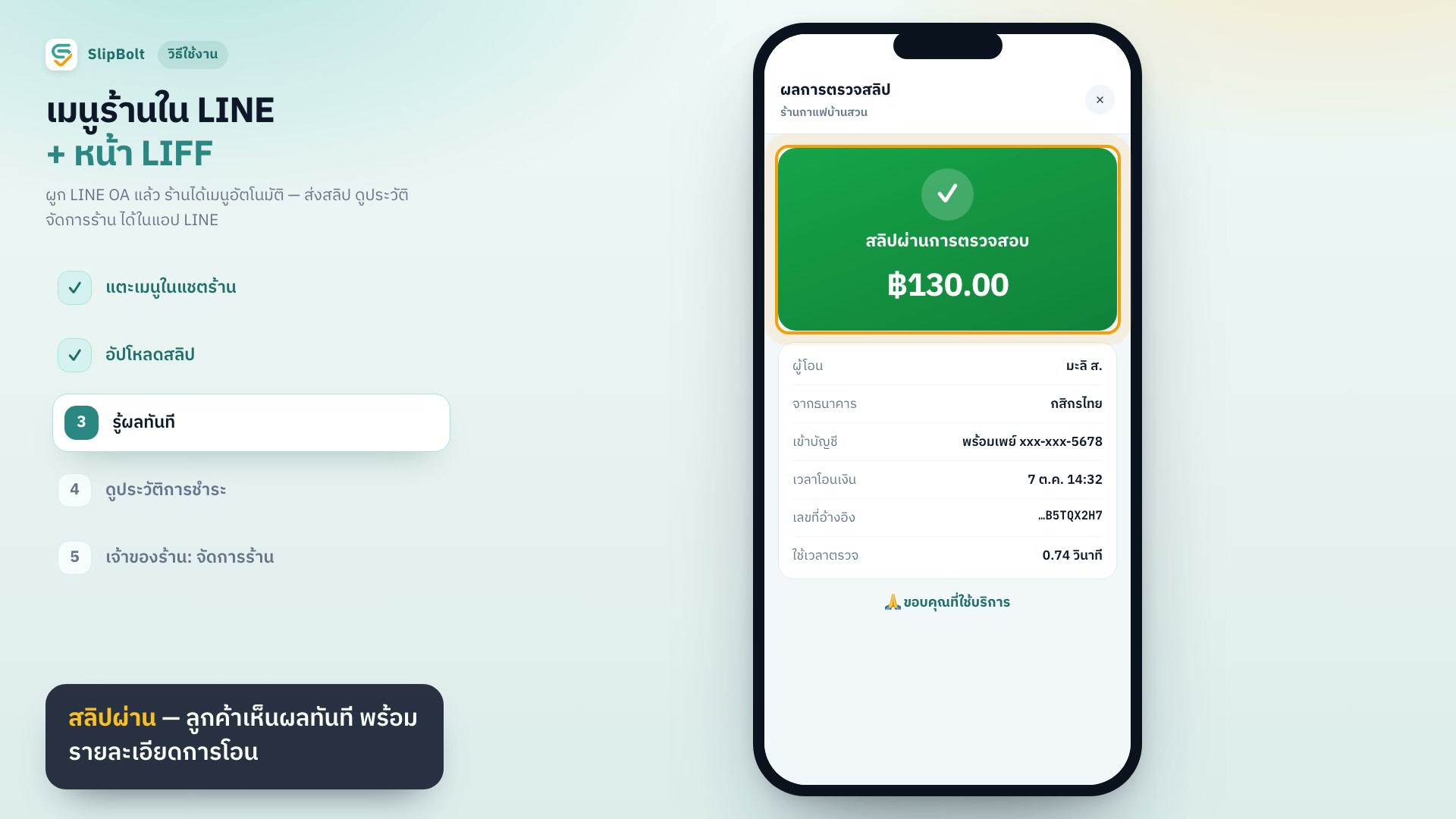 37 secThe shop menu and slip page inside LINECustomers tap the menu under the chat to upload a slip and see their payment history. Owners can manage the shop from inside LINE.9 steps
Ready to try it with your shop
Free for 7 days. No card required.